adobe-acrobat-pro-2020
Acrobat Pro 2020
Step 1: Download Acrobat Pro 2020
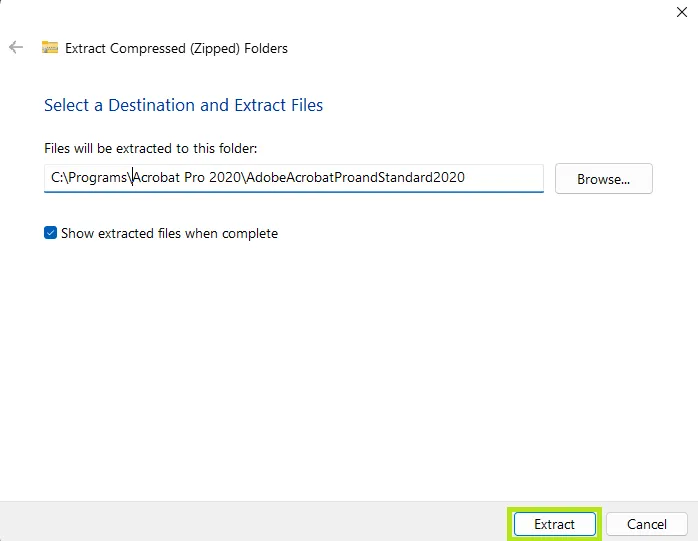
- Go to the downloaded file, right click it, and select Extract all....
- Select the location where you want to extract (unzip) the files and click Extract.
Step 1: Launch the installer
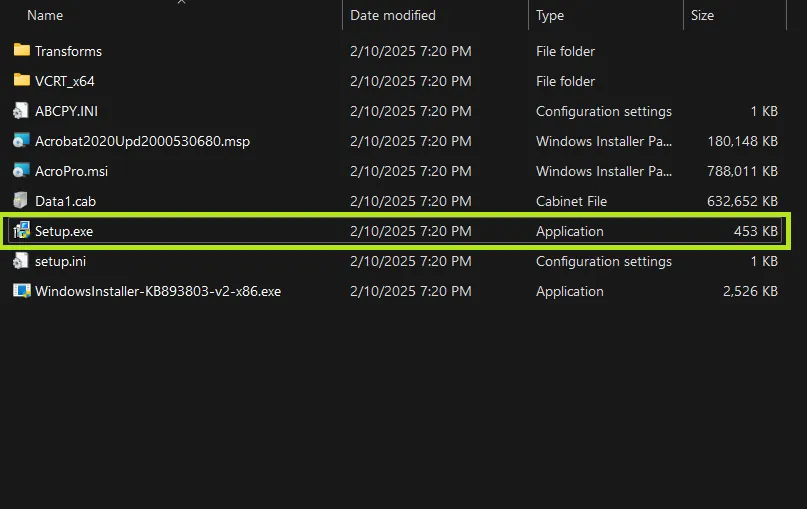
- Go to the extracted folder and click on the Setup.exe file to launch the installer.
- Then, you will be prompted to enter your key.
Step 2: Enter your key
- Enter the Key you received in the Serial Number field.
- Make sure you select the I have a serial number option.
- Then click the Install button.
Step 3: Wait for the installer to finish
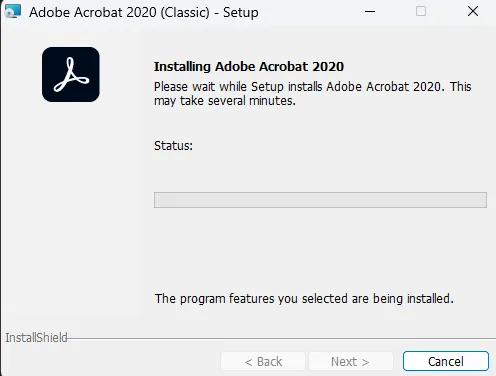
- Wait for the installer to finish.
Step 4: Installation and Activation completed
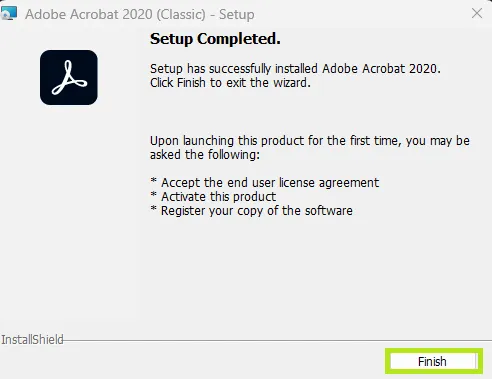
- Once the installer finishes, you will be prompted with a Setup Completed screen.
- Click on the Finish button on the bottom right corner.
- You can now launch Acrobat Pro 2020 and enjoy the full benefits that come with the Pro version.